CODEX EXPERIMENT · 004
Bringing My DailyHealth DataTogether
01 / WHY
Health data matters. As it grows, how can I handle it efficiently?
I cannot remember when I started paying attention to my health data. I am getting older, and I have to admit it.
I know that some things about health cannot be undone. As the saying goes, today is the youngest I will ever be for the rest of my life. That is why I think tracking my health over time matters.
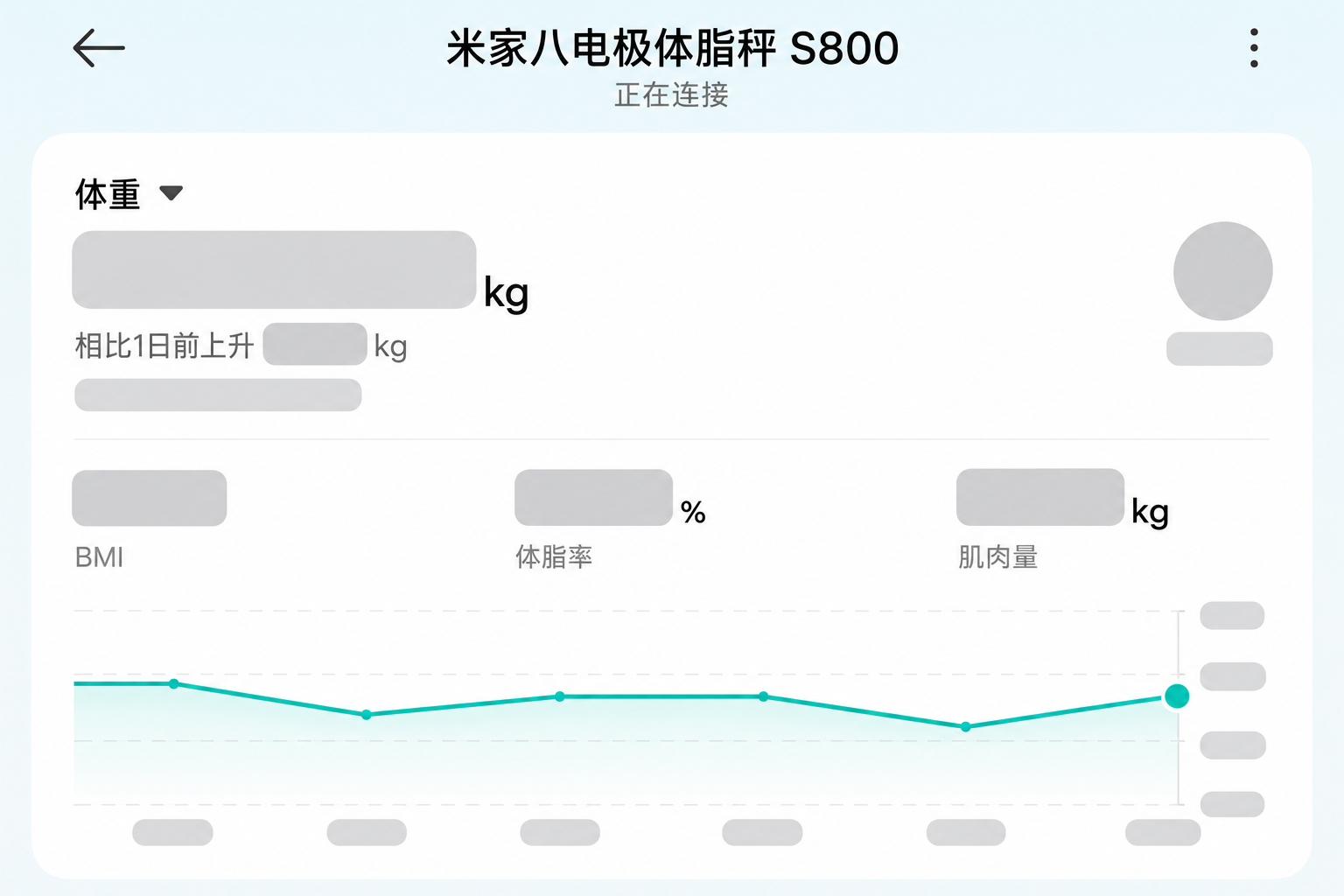
At home I use Eight Sleep to monitor my sleep. In Beijing, without Eight Sleep, I thought it over and bought an Oura Ring 5. I have always worn an Apple Watch too, but I still find having that block on my wrist uncomfortable. I also bought a body-composition scale to track my body fat. I want to know whether I am sleeping well, and whether I have been gaining weight.
From September onward, I began deliberately collecting this data: Oura Ring daily reports, exercise and vital-sign data from the watch, and morning readings from the scale. I took screenshots one by one and fed them to Codex. I set up a dedicated project to record and keep monitoring my health.
After a month, the problem was obvious. Monitoring meant I had to keep providing screenshots. What I really wanted to know was not the score any one device gave me today, but what these scattered numbers meant when considered together.
That naturally led to a need for automatic aggregation. I do want to look at the data, and I am not trying to outsource responsibility for my health. Precisely because it matters, I do not want daily screenshots, copying, and sorting to consume the time I should spend making sense of it.
02 / METHOD
First, decide why this is worth doing. Then build it.
Summarizing large amounts of text and data is something AI does well. If I need to do it every day, it should become a workflow instead of remaining a series of manual steps.
The goal of this experiment was specific: my phone would keep collecting data, the Mac at home would validate it, and the result would come back to my phone. I would not need to open my computer every day or remember which screenshot to send where.
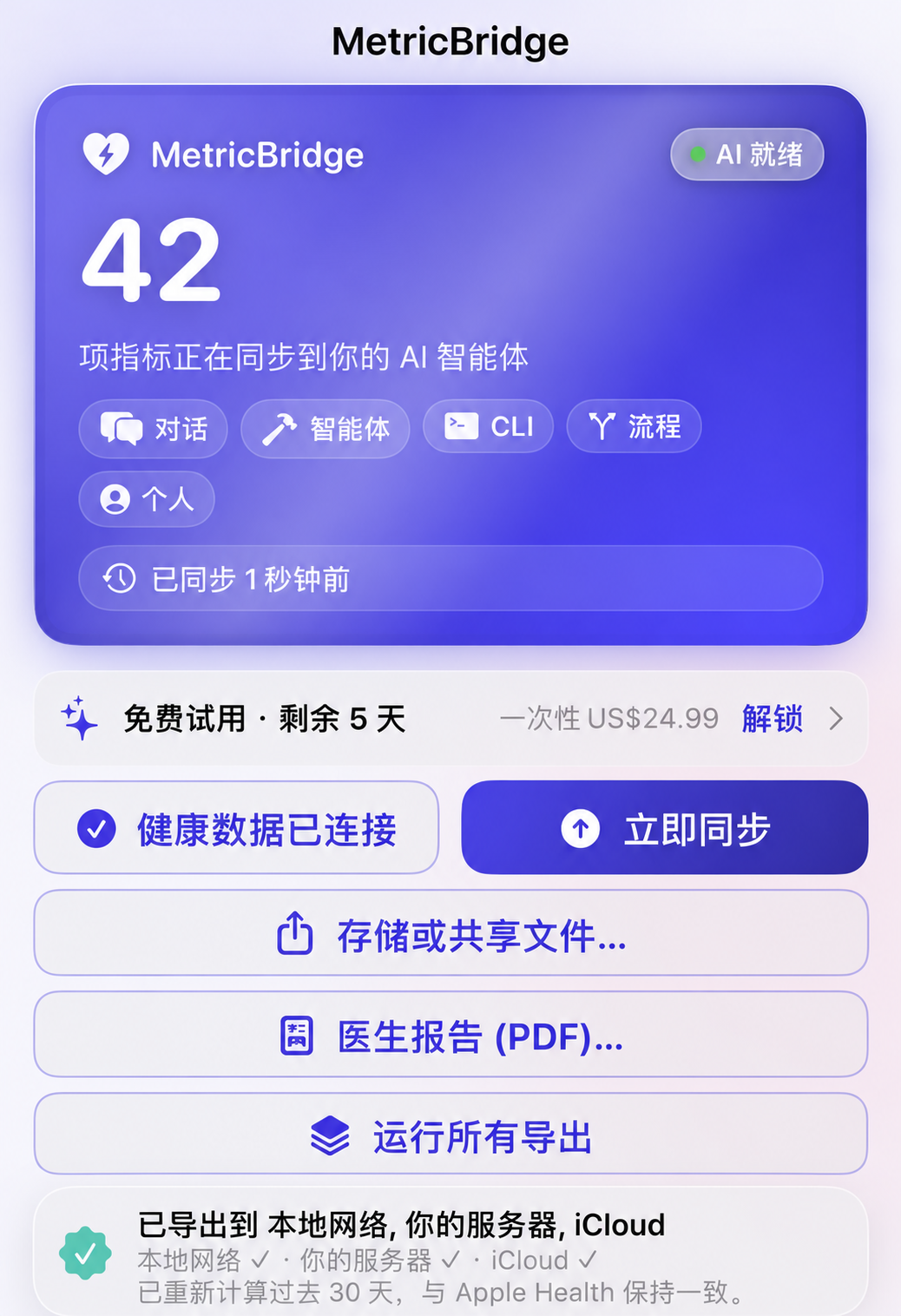
After several conversations with Codex about why the project mattered, we settled on the responsibilities of each step. Apple Health would gather the data in one place. MetricBridge would read Apple Health and send the phone data across my local network. Codex helped me build the receiving, validation, and notification stages.
Workflow
A full report is generated only when the data is complete, current, and free of conflicts.
- 01Devices produce dataOura Ring · Apple Watch · S800
- 02Data enters Apple HealthBring different sources into one place first
- 03MetricBridge exports itSend it from my phone to the Mac mini at home
- 04Validation designed with CodexCheck dates, freshness, missing data, and conflicts
- 05Bark sends it back to my phoneSend a report only when complete; explain any exception
03 / DEBUG
The content can grow later. First, make the workflow run.
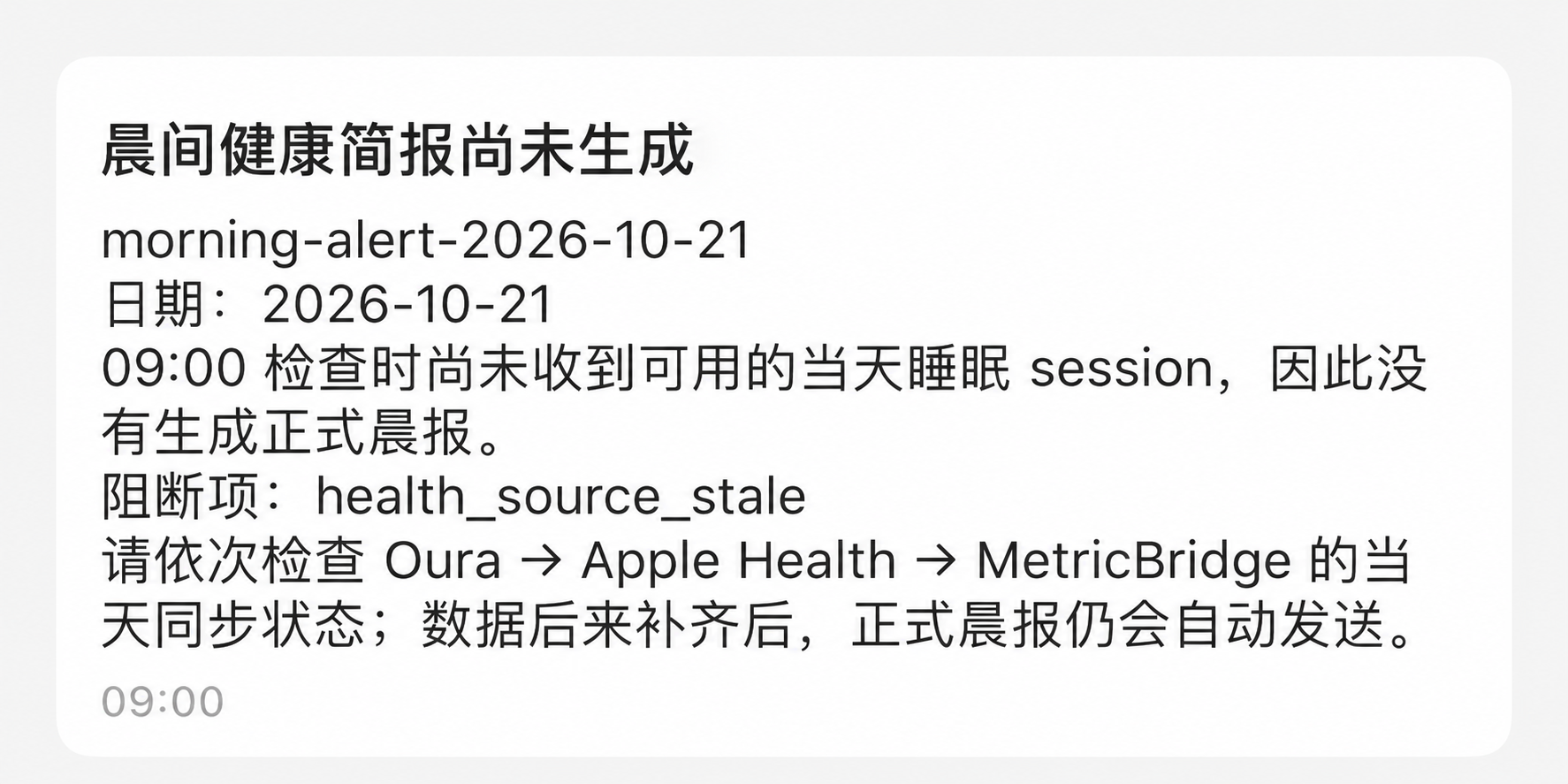
At 9 a.m. on October 21, 2026, I received an alert on my phone: that day's sleep data was not yet available, so the full report had not been generated.
The data had actually reached the Mac. The real problem was that the validation rules compared “awake time” and “time in bed” with actual sleep incorrectly, then marked normal data as a conflict.
I corrected the rules and restarted the original task. Only then did the full report reach my phone. That was how the first run ended: find a problem, fix the rule, and run it again. I can add or remove content later; first, I needed the workflow to work.
04 / NOW
Where do I take this next?
The workflow can now bring data from several sources together, tell what has arrived and what has not, and send a result back to my phone.
It is still unproven whether MetricBridge can export reliably and on time in the background, how long a personal baseline will take to form, or whether AI can find genuinely useful trends in long-term data.
So this experiment does not need a polished conclusion yet. First, let it run reliably each day. Then I can see whether data once scattered across several places can help me understand my body better.
In Japan, a comprehensive health checkup is called 「人間ドック」 (Ningen Dock). The “dock” is a place where a ship stops for inspection and repairs. After a period at sea, a ship needs to enter a dock. People do too.
Looking back, the health-data workflow I built feels a little like a working dock still being tested. It has not given me any firm conclusions about my health. It has begun bringing each day's data back, keeping a record, and leaving the results to be tested over time. I want to make it stable first, then see whether AI can help me notice something genuinely useful.